

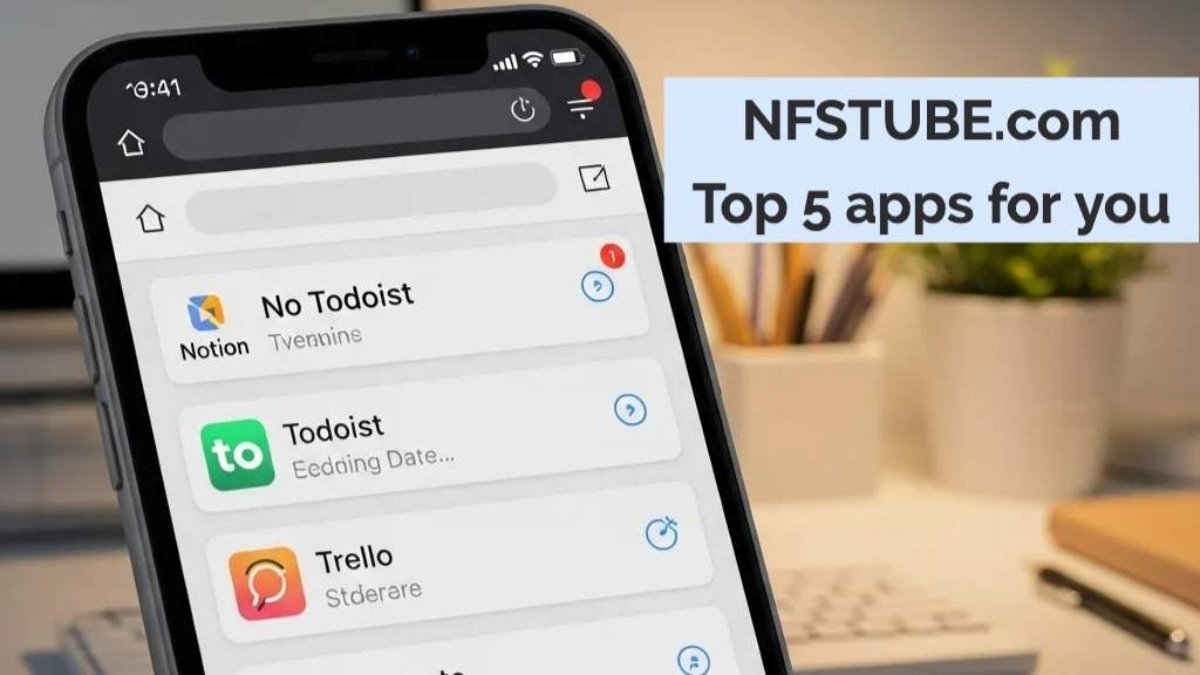
In 2025, staying organized means choosing the right productivity tools. From to-do lists to AI planners, here are top 5 apps to stay organized 2025 to simplify your daily routine and maximize efficiency.
Why Productivity Apps Matter in 2025
In 2025, productivity is no longer just about doing more—it’s about doing the right things with less stress. Our digital lives are cluttered with endless notifications, scattered notes, and meetings that never seem to end. Without structure, it’s easy to feel overwhelmed.
This is where productivity apps step in. Modern tools now use AI-powered planning, cross-device sync, and collaboration features that let you:
- Centralize everything — notes, tasks, reminders, and projects in one hub.
- Automate planning — smart suggestions adjust schedules based on your habits.
- Stay flexible — whether you’re a student preparing for exams, a freelancer juggling clients, or a professional managing global teams.
- Build healthy routines — with reminders for breaks, focus timers, and daily tracking.
💡 Also Read: Meta Ray-Ban Smart Glasses- AI Display, Finger Controls, Price & Features
Most importantly, these apps adapt to the Indian lifestyle in 2025—balancing study, work, festivals, family, and side hustles. That’s why choosing the right mix of apps is no longer optional—it’s the difference between burnout and balance.
Top 5 Apps to Stay Organized in 2025
Notion – The All-in-One Workspace
Notion combines note-taking, task management, and collaboration in a single sleek platform. From planning assignments to managing projects with your team, it’s a flexible hub for everything you need.
💡 Globally, students use Notion for structured study schedules, while remote teams manage projects without switching between multiple tools.
Best For: Students, teams, freelancers
👉 Download Notion (iOS/Android)
💡 Also Read: Top 5 Tablets: Your Guide to Smart Digital Companions for Every Indian Need
Todoist – Your Personal Taskmaster
Todoist uses AI-powered task suggestions and an intuitive interface to help you manage daily goals, track progress, and never miss deadlines.
💡 Busy professionals and entrepreneurs worldwide rely on Todoist to balance daily work priorities with personal life tasks in one unified list.
Best For: Daily task management
Evernote – Notes Reimagined
Evernote helps you capture ideas, create checklists, attach files, and sync seamlessly across devices. It’s the go-to for researchers and professionals who live on notes.
💡 Writers, researchers, and creators everywhere use Evernote to capture inspiration, clip articles, and keep ideas accessible across laptop, tablet, and phone.
Best For: Writers, researchers, professionals
💡 Also Read: Top 5 Laptops: Your Guide to Smart Digital Companions for Every Indian Need
Google Calendar – Smart Scheduling Made Easy
With Gmail and Maps integration, Google Calendar makes scheduling meetings, setting reminders, and syncing events effortless. Perfect for busy professionals juggling multiple commitments.
💡 Remote workers and global teams depend on Google Calendar to coordinate across time zones while individuals use it to balance work, travel, and family events.
Best For: Meetings, reminders, event syncing
Trello – Visual Project Planning
Trello’s Kanban boards bring clarity to projects, whether you’re running a team campaign or organizing personal tasks. Its visual drag-and-drop style makes productivity feel simple.
💡 Project managers, startups, and freelancers worldwide use Trello to track progress visually, ensuring deadlines are met and teamwork stays transparent.
Best For: Project management and teamwork
💡 Also Read: Lagging Laptop? Discover the Best Budget Laptop for Smooth Work & Entertainment Under ₹40,000!
Top 5 Apps You Need to Stay Organized FAQs
Q1. Which app is best for students to stay organized in 2025?
Notion is ideal for students because it combines notes, task management, and collaboration in one platform.
Q2. What’s the best daily to-do list app in 2025?
Todoist is best for daily task management with AI suggestions and easy-to-use reminders.
Q3. Can I use these apps for free?
Yes, all five apps offer free versions with core features, while premium plans unlock advanced functions.
Q4. Which app is most effective for teamwork?
Trello is best for team collaboration, while Notion also supports shared workspaces.
Q5. Do these apps work offline?
Yes, apps like Evernote and Notion support offline access so you can keep working without internet.
💡 Also Read: Top 5 Sound & Entertainment Systems: Your Guide to Immersive Audio & Visuals for Every Home
Disclaimer– This article contains affiliate links and is intended for informational purposes only. All efforts have been made to ensure accuracy, but it does not constitute professional advice. For queries or corrections, please reach out via our Contact Form. For full details, see our Disclaimers & Transparency.
For the latest Tech, Entertainment, Fitness, and Lifestyle updates, follow NFSTUBE on Instagram, FaceBook, Youtube & X(twitter) for daily updates.
For Smart & Quick daily updates, join our official WhatsApp Channel